Anyway, I guess the positive thing to take away from that comment is that the task was actually quite useful. Sure a lot of the stuff kind of comes as second nature, but I did learn quite a few things. It's just that I wish I had learned them in week 1 or 2 not the penultimate day of the SP. OK nuff whingeing...
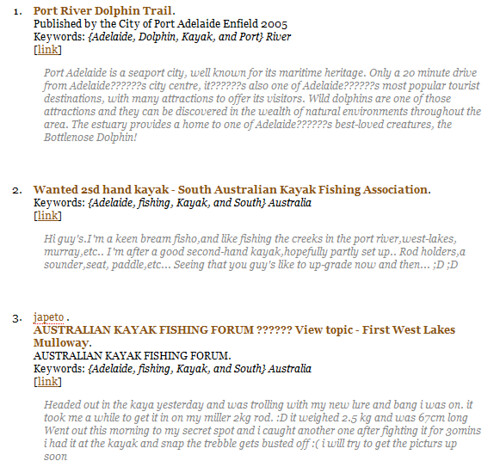
The Ohio University Tutor was a great resource and I highly recommend it for anyone who wants to take a look at the way you assess webpages. The things that I got out of it will certainly aid me in my future studies and my everyday use of the internet. I am steering away from the guidelines again here because my sites are not really relevant to the course but again, I think it is about the learning process as opposed to what site I choose. So the site I choose is the Dolphin Trail pdf.
The reading asks us to write an annotation based on the learning from the tutorial and on these criteria:
- the reliability and authority of the site / source / article
- the main ideas or subjects discussed in the article
- the purpose for which the site was written (this might include any apparent external interest, intellectual motivation or contextual information)
Port River Dolphin Trail. (2005, October). . Published by the City of Port Adelaide Enfield 2005. Retrieved from http://www.portenf.sa.gov.au/webdata/resources/files/DolphinBrochure.pdf.
This document was created by the Adelaide Enfield Council for the purpose of providing visitors and residents of Adelaide Enfield Council with information on where to locate Dolphins in the Port River and some basic information on the dolphins themselves. The content is factual and therefore easy to corroborate. A little on the propaganda side but it is a tourism brochure. I found no links to the document but this is primarily meant to be printed and distributed after all.Now to the last two questions:
- in terms of your own future use, which 'body ' of information (ie. the original 'snapshot' of the site, or your own, annotated, analytical version) would be most useful to refer back to?
- In term of external users (i.e. if you included this site as a hyperlink or resource on a website) which body of information would best help them judge if the site was useful or of interest to them?
- I think this is entirely dependant on the situation. The annotation is good for my own info and also I think if I was dedicated enough I would do this with every site I ever bookmarked. In reality this is unlikely to happen so a snapshot is a better option much of the time.
- As far as external users go, well I guess it depends on their trust and opinion of me. Probably better to leave the snapshot and the annotation, that way no problems with opinion and the external user can make their own assessment based on the two.



 Posts
Posts